Odoo 19 Enterprise, website assistant and AI integrations
Took over an undocumented production ERP and website, built a 240-step branded website assistant with WhatsApp handover and CRM routing, fixed the booking and email experience, and connected Odoo to ChatGPT and Claude through scoped API modules.
Role: Lead Odoo consultant and developer
Summary
Intelgrity is a Singapore business-growth consultancy running CRM, sales, accounting, appointments and its public website on Odoo 19 Enterprise. I took over the platform after the previous vendor left, audited it, and delivered a series of change requests that turned a stock Odoo setup into a branded, assistant-driven lead funnel, then opened the system to AI clients through two in-house API modules.
Challenge
- No documentation, no backups, and an unregistered enterprise database with a lock date four weeks away.
- A marketing site built on a custom standalone layout that bypassed Odoo’s page framework, so live chat and editor behaviour did not work on it.
- A client brief for a website assistant with strict conversation standards, lead qualification and WhatsApp handover, to be built with Odoo’s native chatbot rather than a third-party widget.
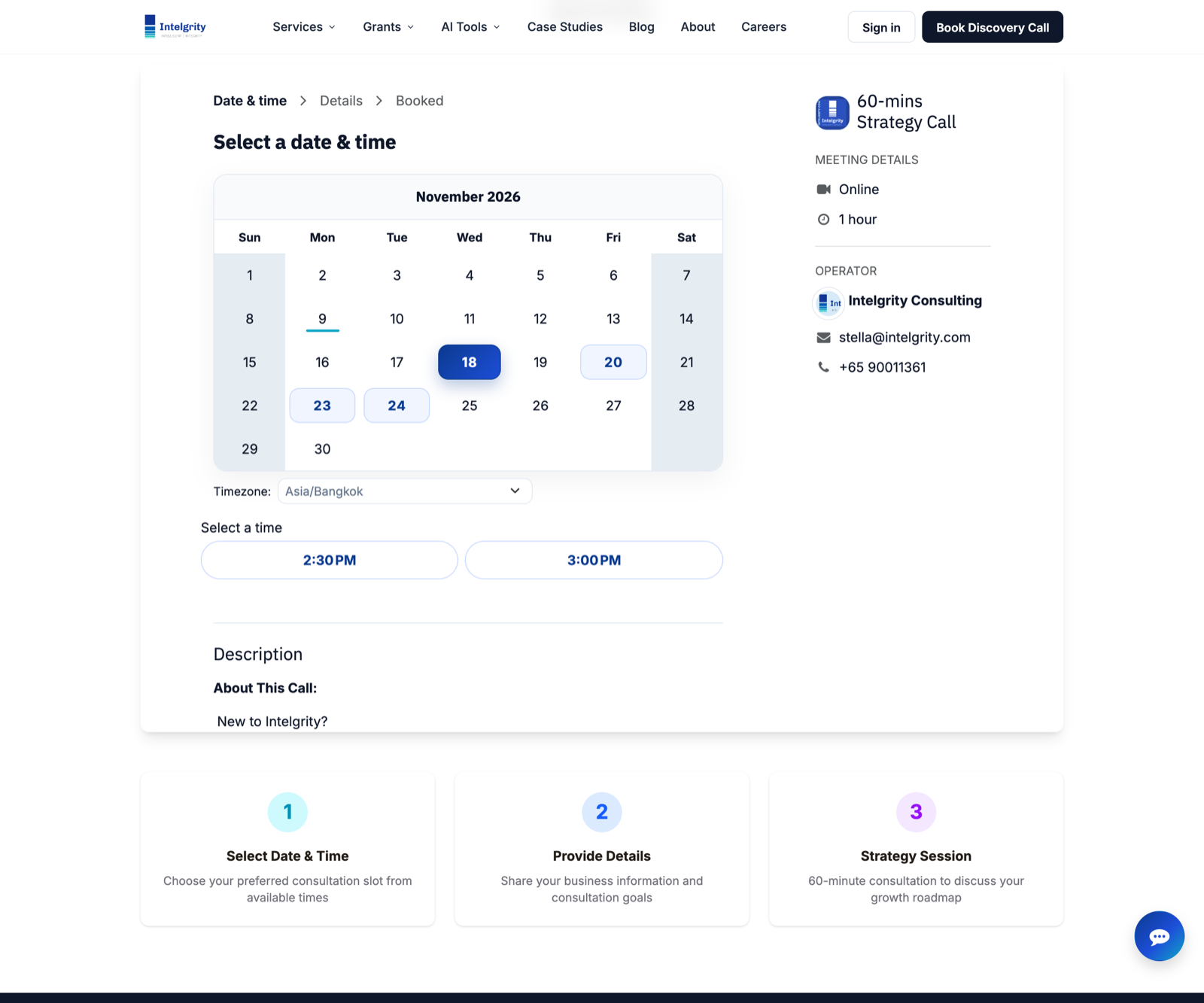
- A booking page that embedded the whole Odoo site inside itself, producing duplicate headers, cookie banners and chat windows.
What I delivered
Platform audit and safety net. Mapped the hosting layout, services, mail flow and risks on day one. Established verified database and source backups with checksums and a repeatable restore recipe.
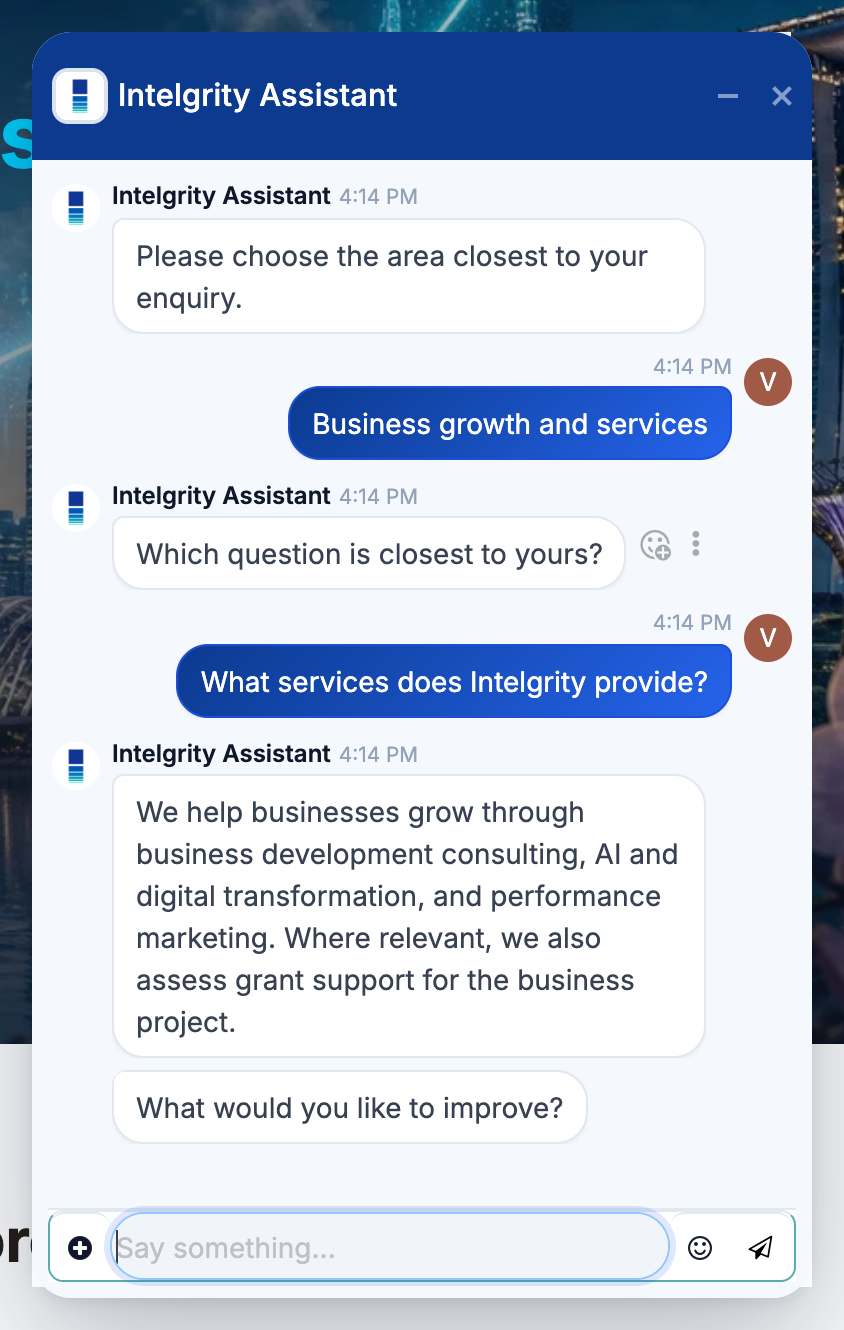
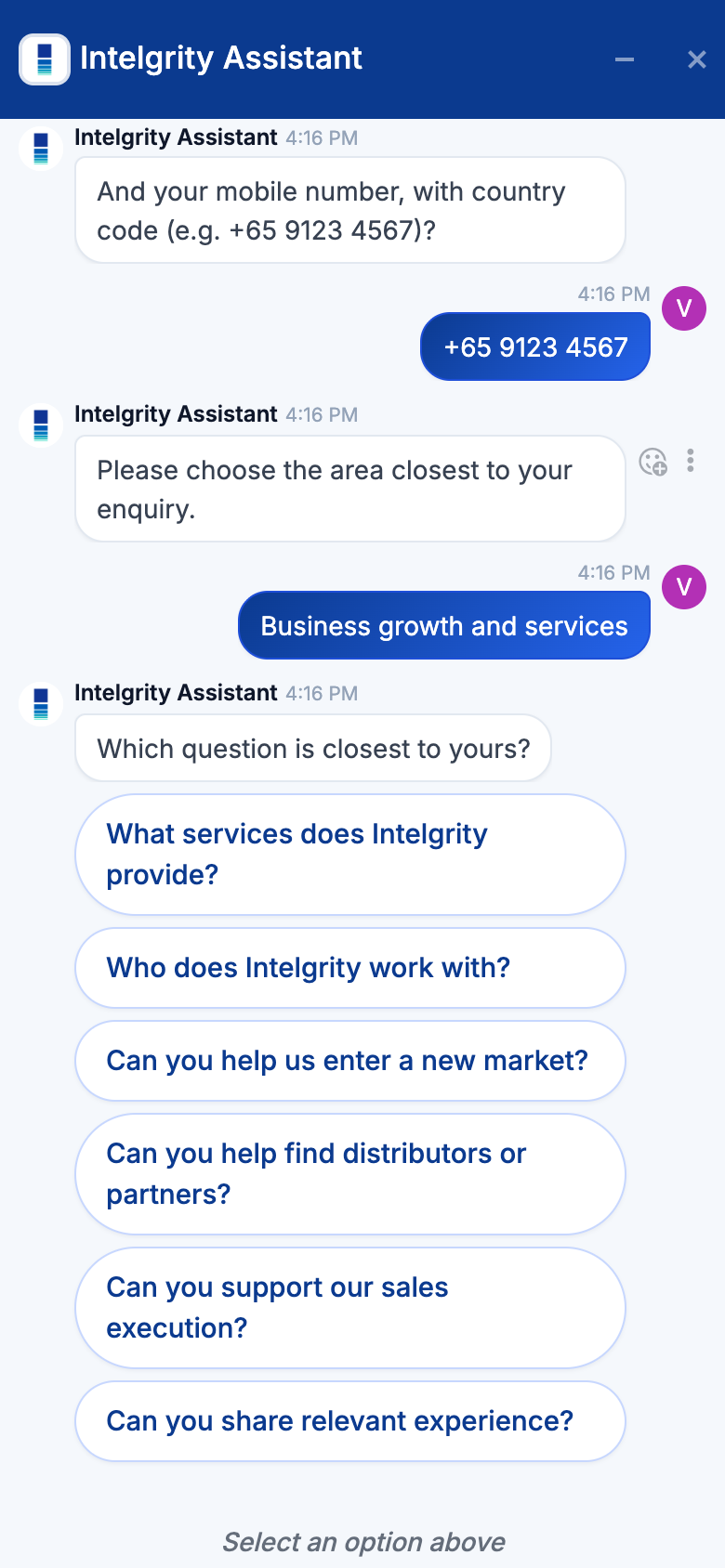
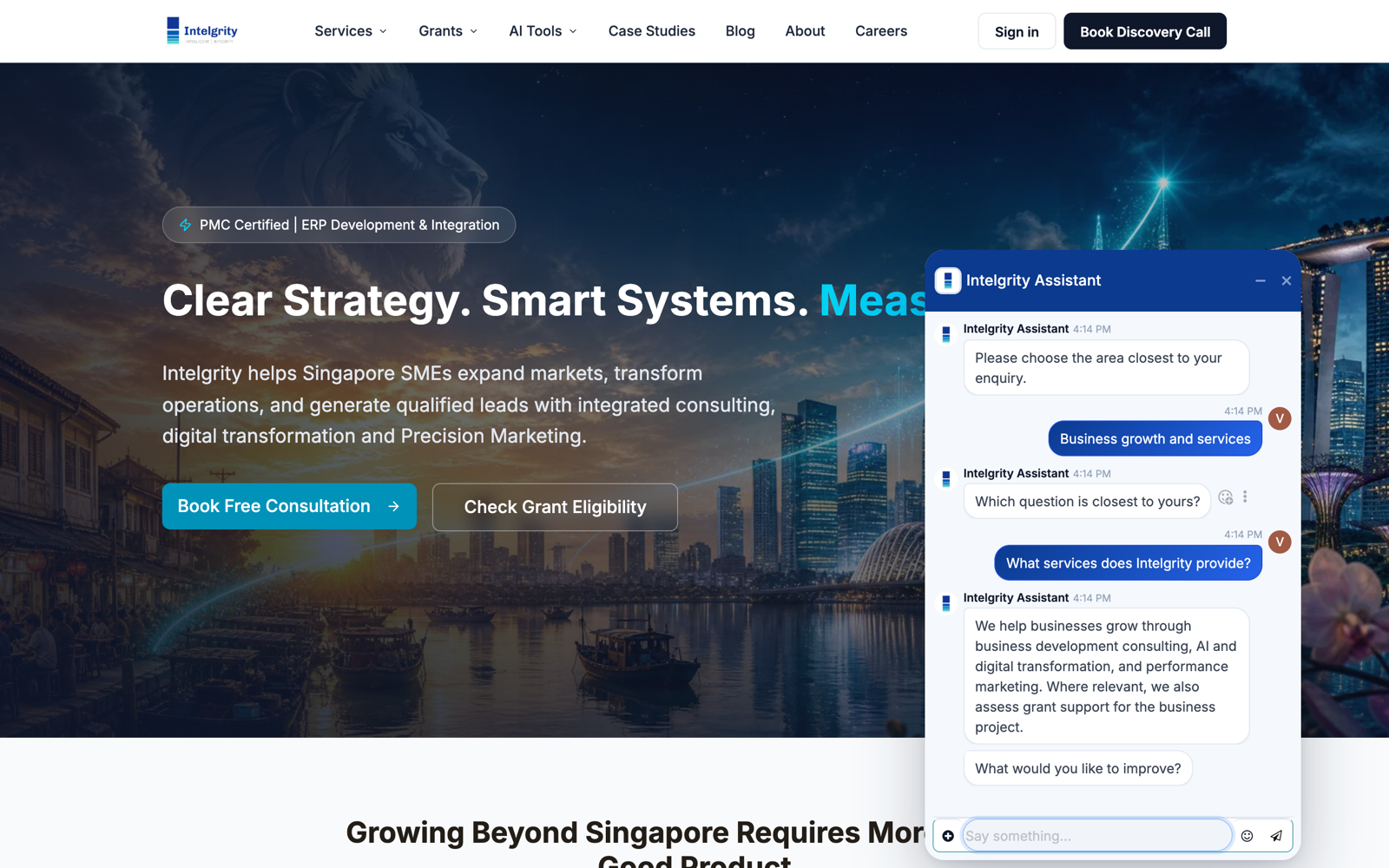
Branded website assistant on Odoo Live Chat. Built a 240-step rule-based chatbot from the client’s Chatbot SOP: seven topic branches, 24 approved FAQ answers, consent-based contact capture, and lead routing to Sales, Technical, Marketing and Client Support teams. When no agent is online the bot offers a WhatsApp handover with a pre-filled, topic-tagged message. Every one of the 599 conversation paths was walked by script before go-live.
Chat design to match the brand. Replaced the default widget look with the client’s navy-to-teal palette, Inter typography, flat message cards, pill answer buttons and a logo-mark avatar, delivered as a stylesheet injected into the chat’s shadow DOM so it survives upgrades.
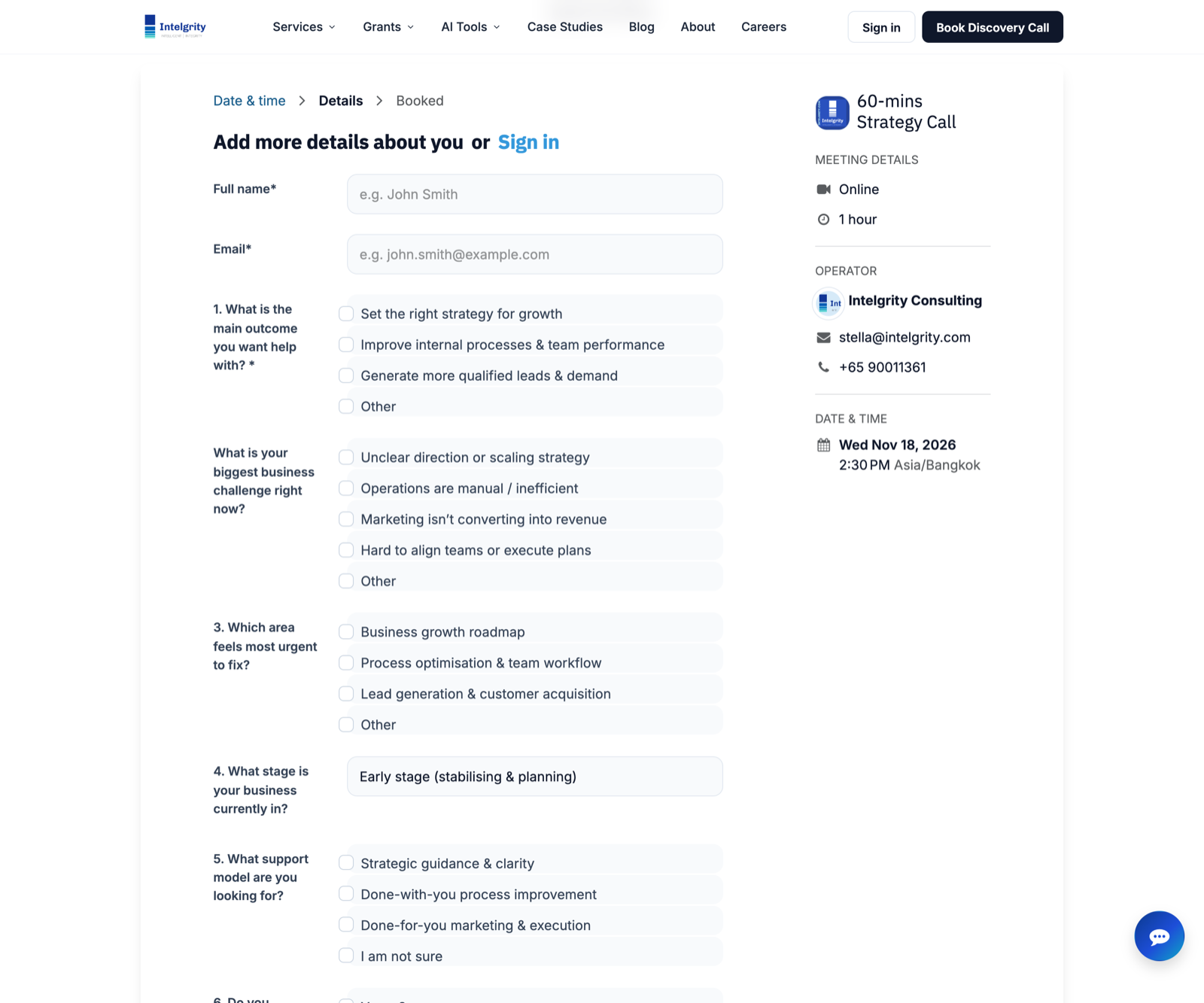
Website integration fixes. Made the standalone layout cooperate with Odoo: chat loader injection, correct behaviour inside the website editor, and a bare embed rendering mode triggered by iframe requests. Rebuilt the Growth Strategy Session page so the appointment calendar appears as a native, auto-sizing part of the page.
Email and identity fixes. Corrected outgoing Reply-To after the migration off Odoo Online, cleaned email signatures, and restored portal document previews through a versioned module migration.
AI integrations. Deployed two in-house modules: a scoped Bearer-token JSON API for external assistants such as ChatGPT and Grok, and a Model Context Protocol server so Claude Code and Claude Desktop can read Odoo data with per-model scopes, rate limits and an audit trail. Installed on the live database without downtime.
Techniques worth noting
- Odoo chatbot branching rule: answers from the same question combine with OR, answers from different questions with AND. The script was generated programmatically around that rule and verified by a path walker.
- Odoo 19’s live chat renders inside a shadow DOM; theming is done by registering a stylesheet on the embed asset bundle.
- Iframe detection via the Sec-Fetch-Dest header lets one layout serve both full pages and bare embeds.